




Manage all the drivers installed on your computer
The network interface card, the graphic card, the CD-Rom device or the digital camera and, in general, any hardware component that we connect to the computer requires the installation of its corresponding drivers (Device Driver) to be able to work properly.
Keep all your drivers up to date.
Thus, the mission of these drivers is to allow the communication of the operating system with the physical device. And that's where the importance of the having an application like Driver Genius lies.
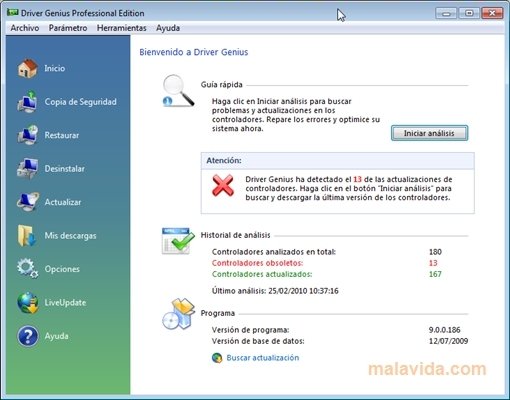
Driver Genius is a complete application that analyzes the system in search of problems and updates for the installed drivers, optimizing the computer's performance.
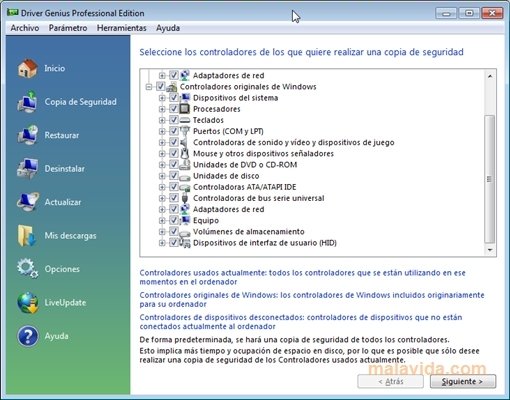
Furthermore, it offers you the possibility to create backups in automatic installer format, ZIP or self-extracting application both of the used drivers as well as the original Windows drivers, restore the copies in question, uninstall some of the drivers, etc.
Main features
- Analyze and show the information of the drivers installed.
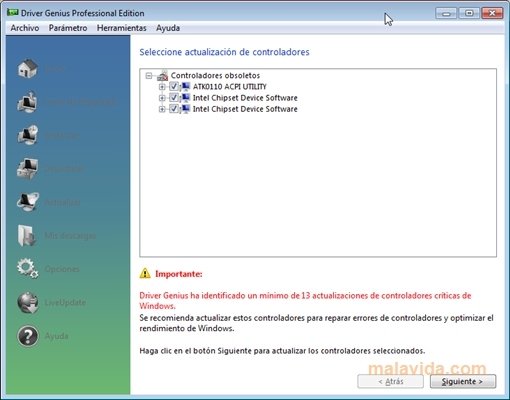
- Update the obsolete drivers.
- Search and repair detected errors.
- Optimize the system's functioning.
 Antony Peel
A Telecommunications Engineer, chance led me to the translation industry, where after a few years, I discovered another side of the world of technology while translating what others were writing about mobile applications and software. That...